Rajiv Menon
AI & Language Specialist
Rajiv Menon is a Chennai-based writer and AI researcher passionate about integrating Indic languages into NLP systems. He explores the role of language models in preserving South Indian linguistic heritage.
Areas of Expertise
Published Articles
Best AI Keyboard for Portuguese and English Typing in 2026
Brazilian Portuguese has its own grammar habits and English creeps into every work chat. The best AI keyboard for Portuguese fixes both, keeps accents right, and translates inline.
Best AI Keyboard for Arabic Typing and Translation in 2026
Arabic typing needs right-to-left handling, diacritics, and dialect awareness. The best AI keyboard for Arabic gets all three right and translates to English without losing meaning.
Best AI Keyboard for Senior Citizens: Easy Typing for Older Adults
Designed for accessibility, the best AI keyboard for senior citizens features larger keys, voice typing, autocorrect on common typos, and simple grammar help — perfect for older adults in 2026.
Best AI Keyboard for Social Media Managers in 2026
The best AI keyboard for social media managers helps craft viral captions, hashtags, and on-brand replies across Instagram, X, TikTok, and LinkedIn — all in one place.
Voice-to-Text for Meetings: Turn Conversations into Action Items Without Recording Everyone
Meeting transcription tools like Otter.ai and Fireflies record entire conversations — raising privacy concerns and making participants uncomfortable. But there is a better approach: personal voice dictation for meeting notes. Instead of an always-on bot recording every word, CleverType Desktop lets you dictate your own meeting notes, key decisions, and action items during or immediately after calls using voice-to-text. Speak your takeaways naturally and CleverType transcribes them with automatic punctuation, grammar correction, and formatting. Then use AI assistants to restructure rough notes into organized action items, email summaries for stakeholders, or Slack updates for your team. This guide compares the meeting bot approach versus personal dictation approach, covers when each is appropriate, and provides templates for post-meeting workflows. For professionals who attend 5 or more meetings daily, this workflow saves 30 or more minutes per day on meeting follow-up documentation.
The Student's Guide to CleverType: Better Essays, Faster Notes, Less Stress
A comprehensive guide for students at every level. Use voice-to-text to capture lecture notes in real-time without missing key points. Run AI grammar fixes on essay drafts before submission. Use tone adjustment to match academic writing standards. Leverage the summarize assistant to condense research materials. Use translation for multilingual source materials. This article addresses academic integrity directly — CleverType helps polish YOUR ideas, not generate content from scratch. Includes study hacks like voice-dictating brainstorm sessions, using AI to restructure rough outlines into coherent paragraphs, and translating academic jargon into simpler language for study notes.
Cross-Platform AI Keyboards: Best Options for Android, iOS & Desktop
Use the same AI keyboard across all your devices. Discover cross-platform options that sync preferences and maintain writing consistency everywhere you type.
Why Investing in Custom AI Prompts Pays Off for Businesses
Generic AI prompts produce generic results. Discover how custom prompts tailored to your business improve communication quality and save time across your organization.
Grammar Checker: Write Error-Free Content
Never send a message with mistakes again. Learn how advanced grammar checker technology in AI keyboards catches errors and suggests improvements as you type.
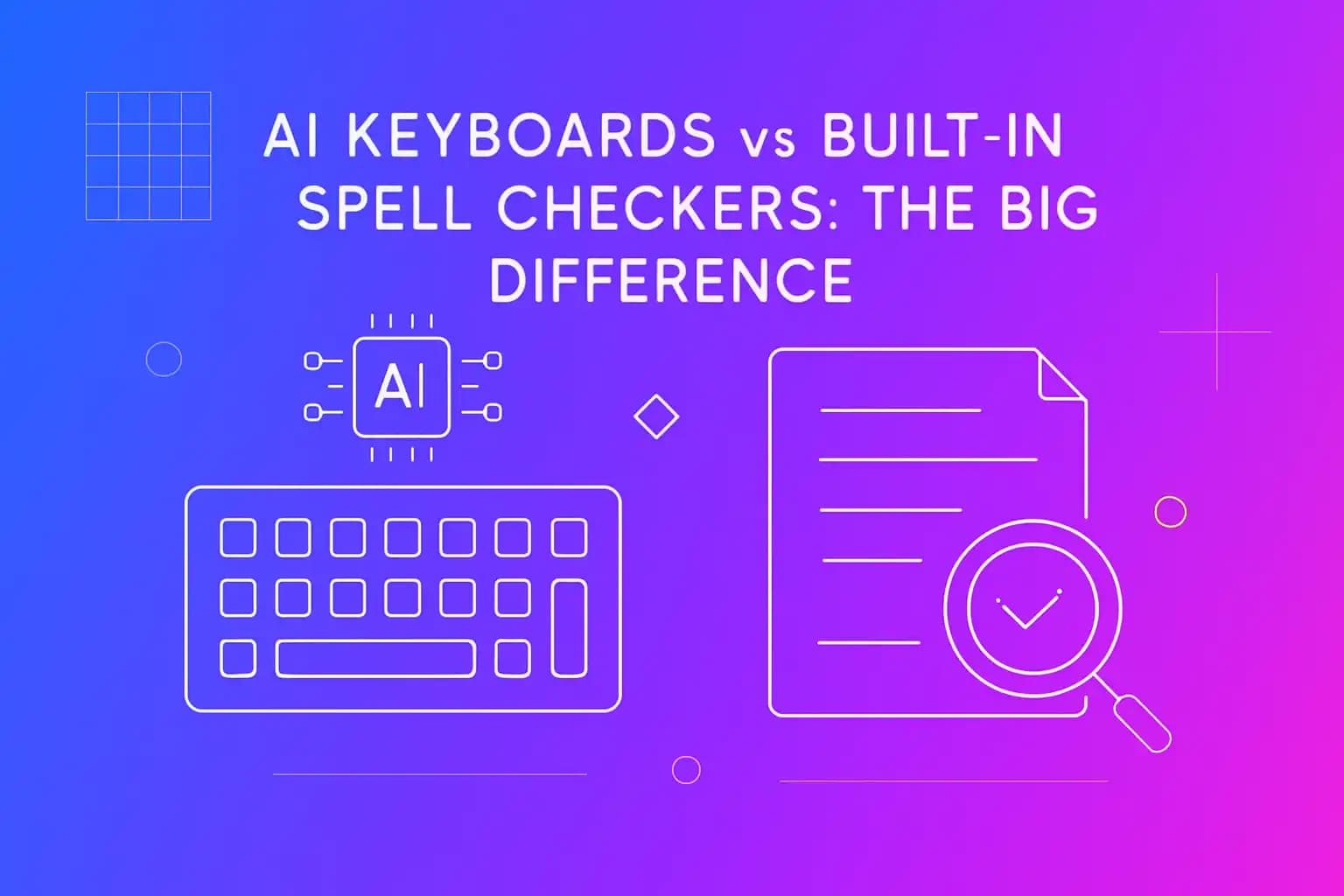
AI Keyboards vs Built-In Spell Checkers: The Big Difference
Learn why AI keyboards do more than spell check—offering advanced grammar fixes and smart tone suggestions.
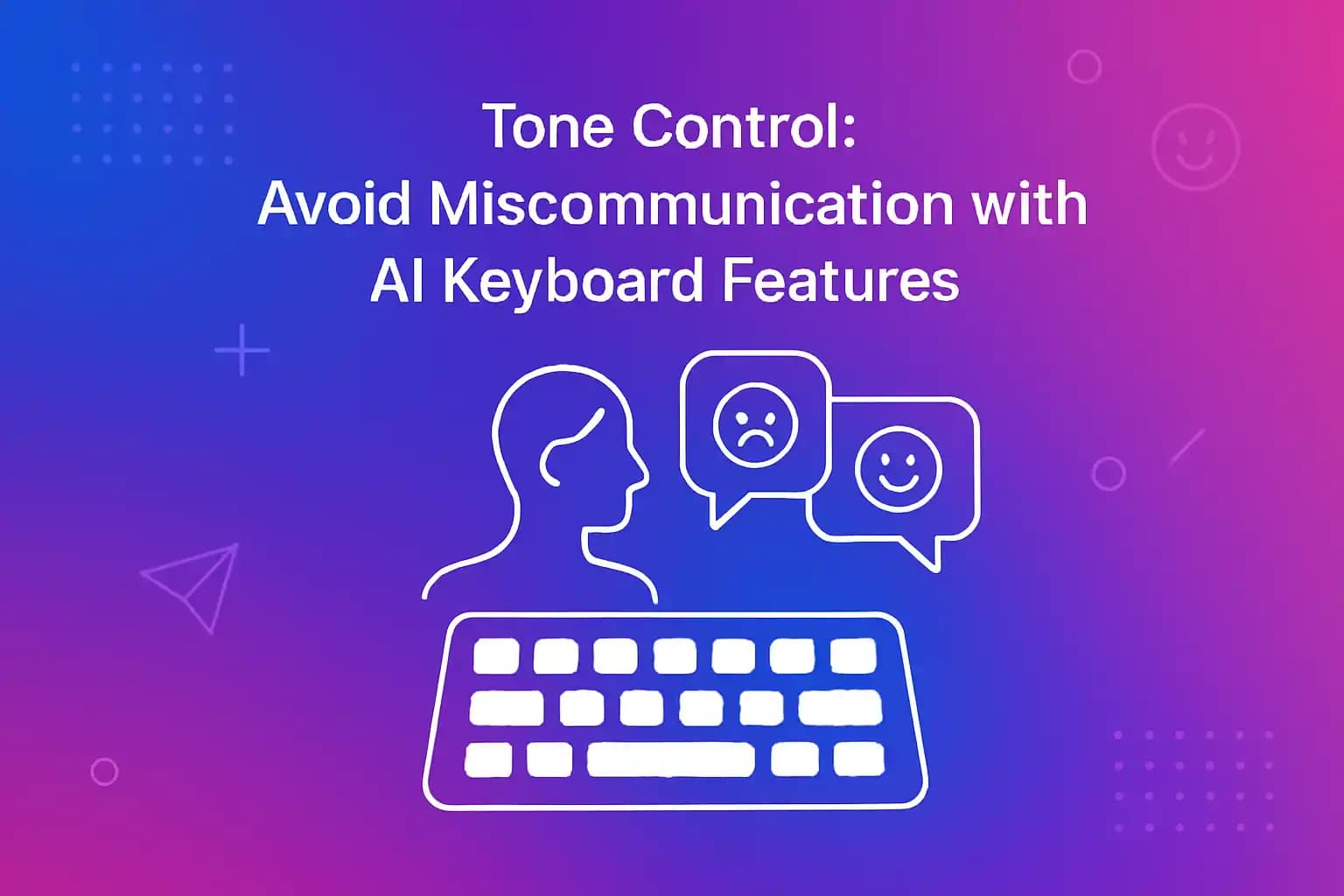
Tone Control: Avoid Miscommunication with AI Keyboard Features
Misunderstandings over text are common. AI keyboard tone control lets you adjust formality and emotion instantly to ensure your messages land as intended.
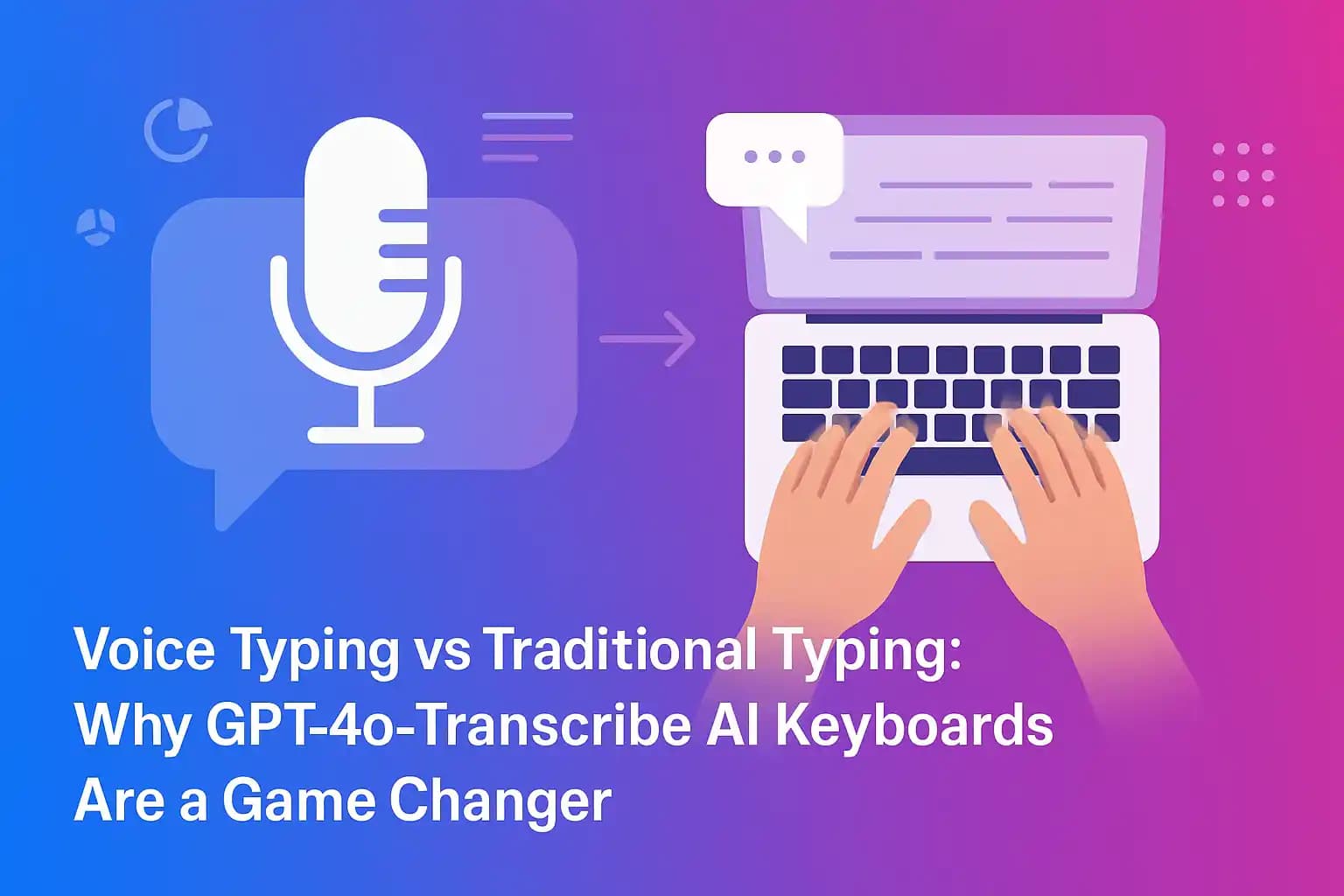
Voice Typing vs Traditional Typing: Why GPT‑4o‑Transcribe AI Keyboards Are a Game Changer
Explore how GPT‑4o voice‑to‑text offers over 98 % accurate transcription, noise cancellation and automatic punctuation. We compare speech recognition against thumb typing so you can decide which method boosts productivity.
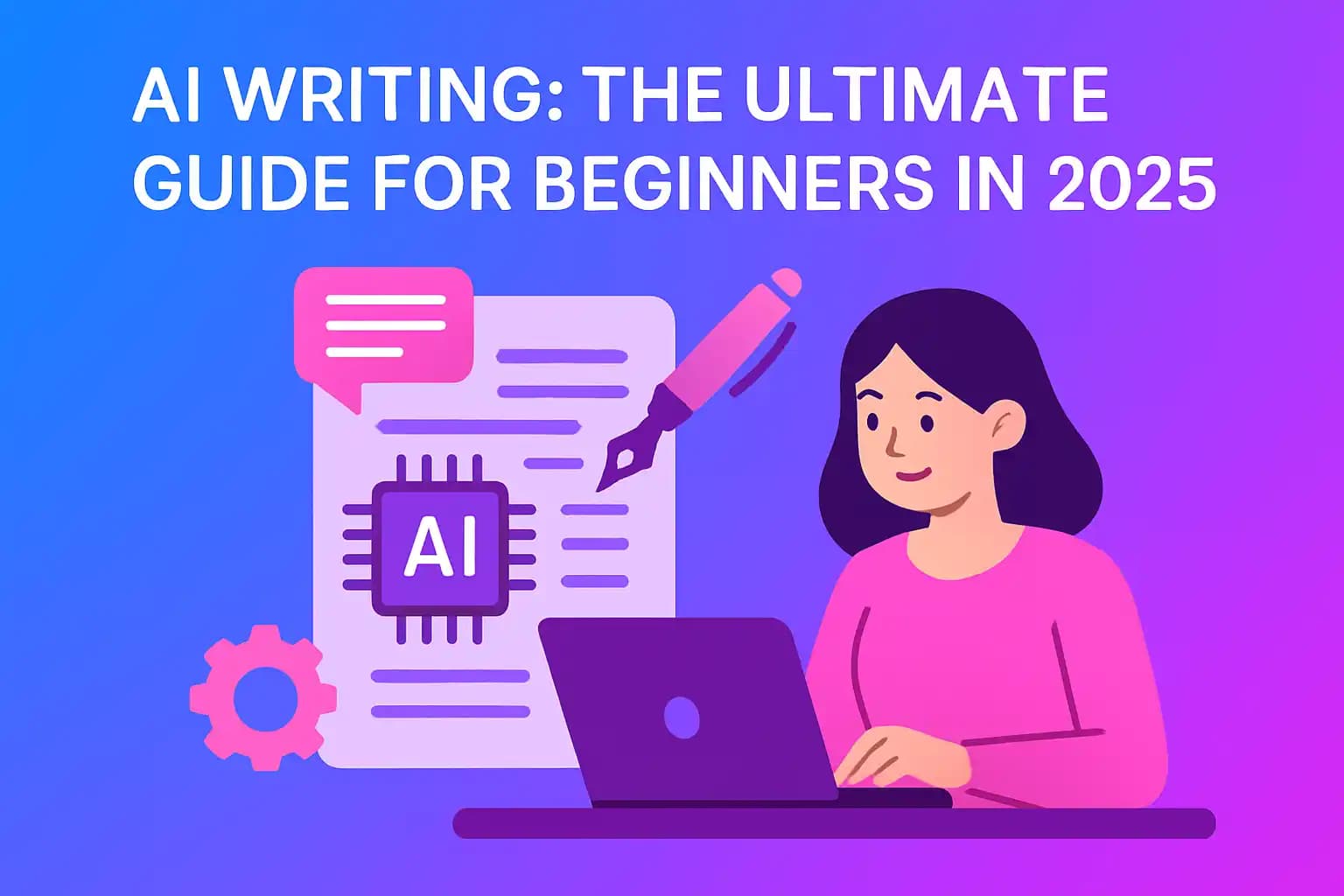
AI Writing: The Ultimate Guide for Beginners in 2026
A complete beginner's guide to understanding and using AI writing. Perfect for Android users looking to level up their writing game.
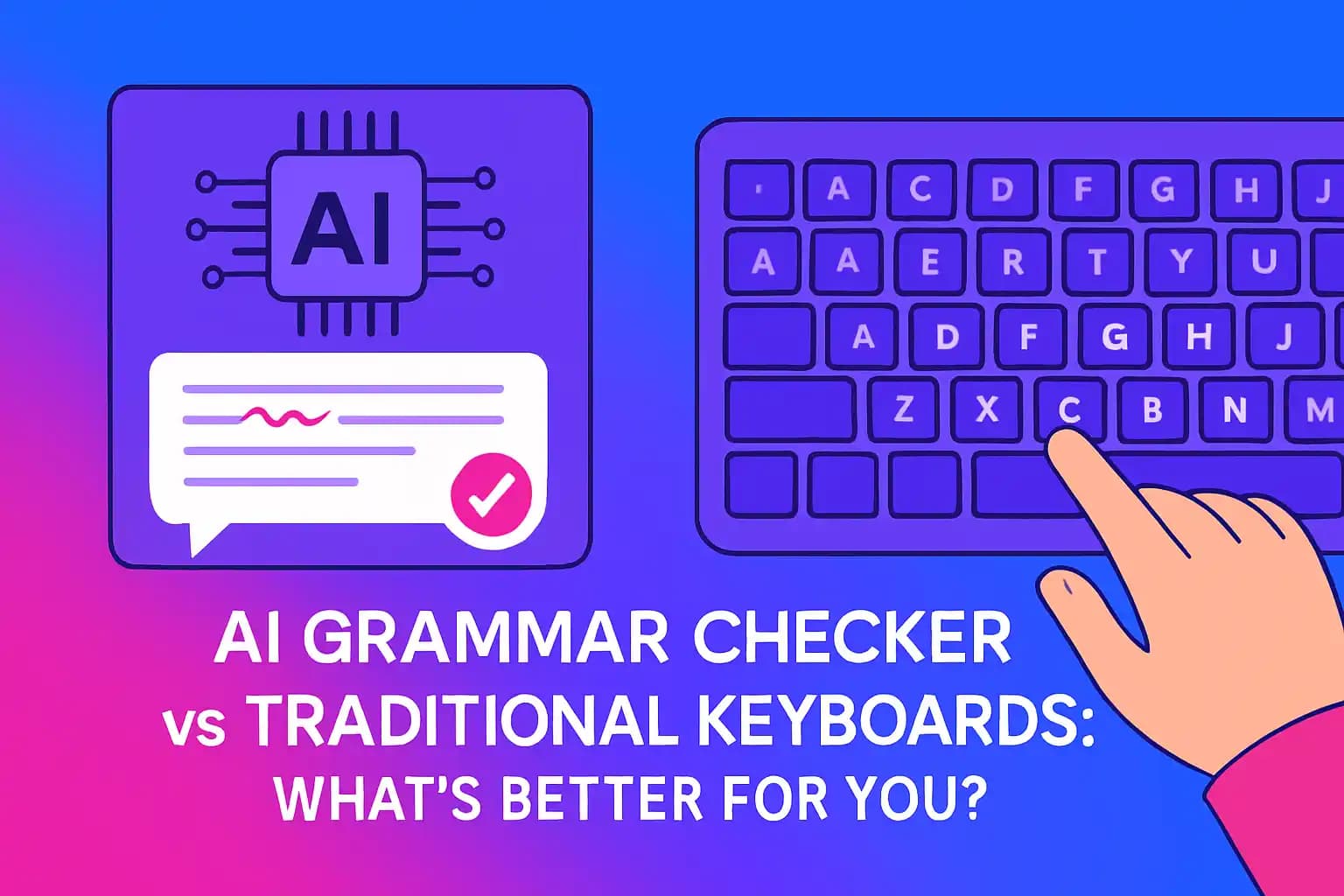
AI Grammar Checker vs Traditional Keyboards: What's Better for You?
A detailed comparison between AI grammar checker and traditional mobile keyboards. Find out how AI tools like CleverType enhance typing speed and accuracy.
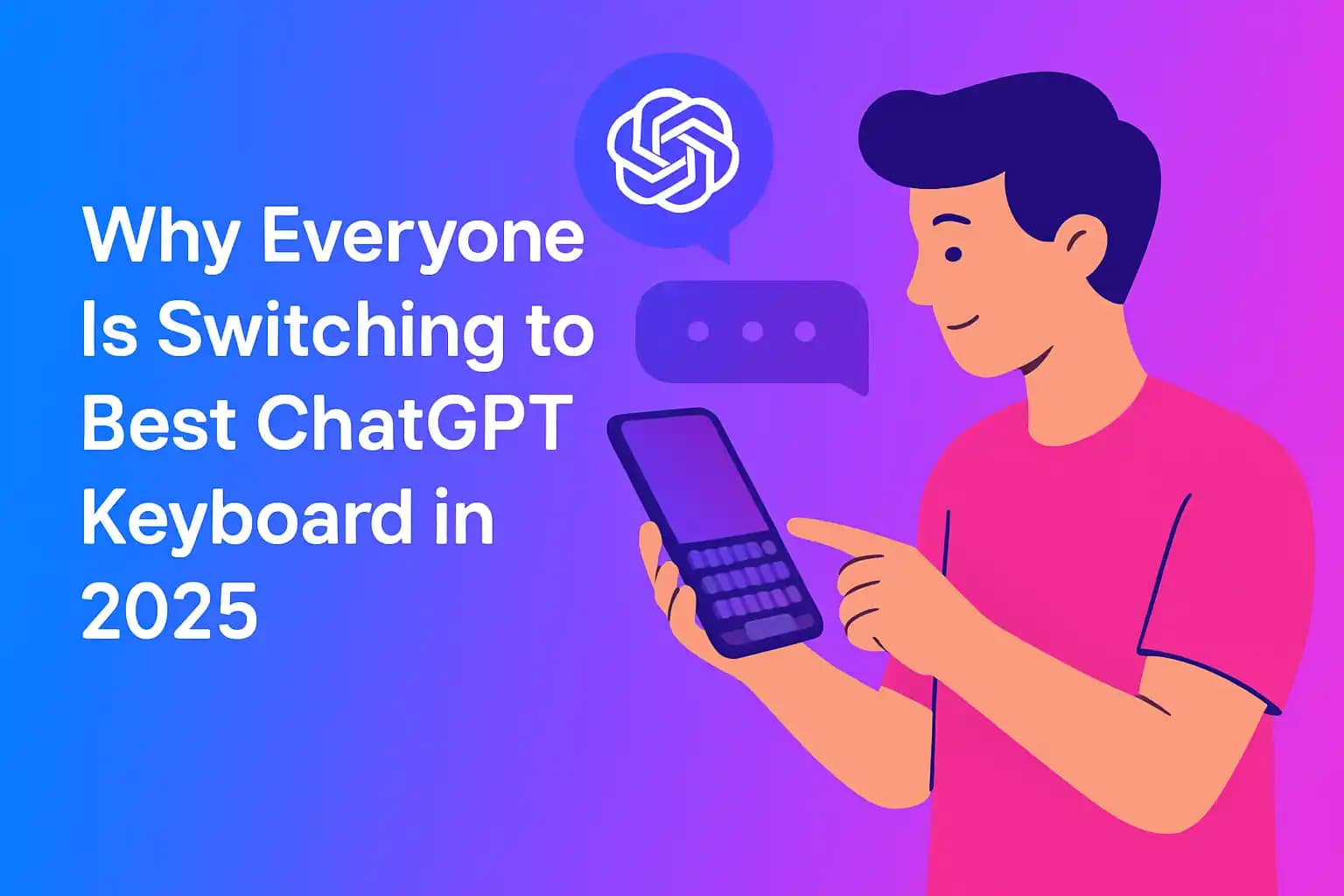
Why Everyone Is Switching to Best ChatGPT Keyboard in 2026
Uncover the reasons behind the rising trend of best ChatGPT keyboard. We break down the top benefits and must-have features for modern mobile users.
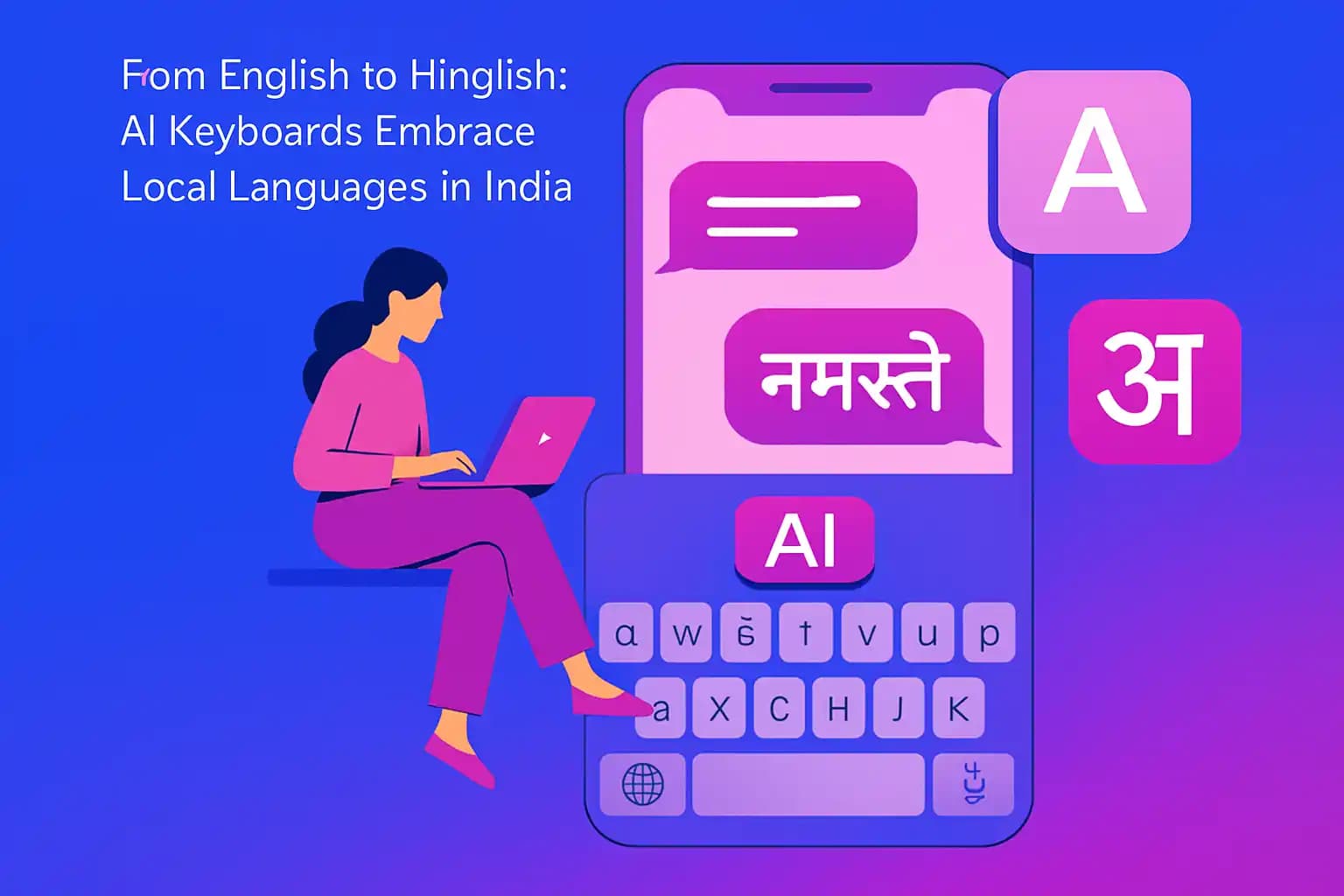
From English to Hinglish: AI Keyboards Embrace Local Languages in India
A look at how AI keyboards cater to the blend of English and local languages commonly used by Indian professionals. It highlights features like bilingual autocorrect, predictive text for Hinglish, and regional language support in CleverType, showing readers how to type faster and more naturally in both formal and casual contexts.
Secure and Smart: How AI Keyboards Handle Privacy for Professionals
An informative piece addressing data security concerns around AI keyboard apps in a corporate setting. It explains how reputable keyboards like CleverType safeguard your keystrokes and personal data — with measures like encryption and local processing — while still delivering smart features, giving professionals peace of mind.